
Otra petición del grupo de Facebook de MPAGD: un tutorial que cubra "el clásico de siempre, agua / ácido que gotea y mata al contacto".
Hay varias formas de conseguir una gota de ácido; esta me gusta bastante. Es un poco cara en bytes porque usa bastantes fotogramas de sprite, pero podrías adaptarla con menos fotogramas y luego cambiar los tiempos. Aun así, creo que queda bastante bien:
Primero necesitamos crear un sprite; la animación del sprite se divide en tres partes:
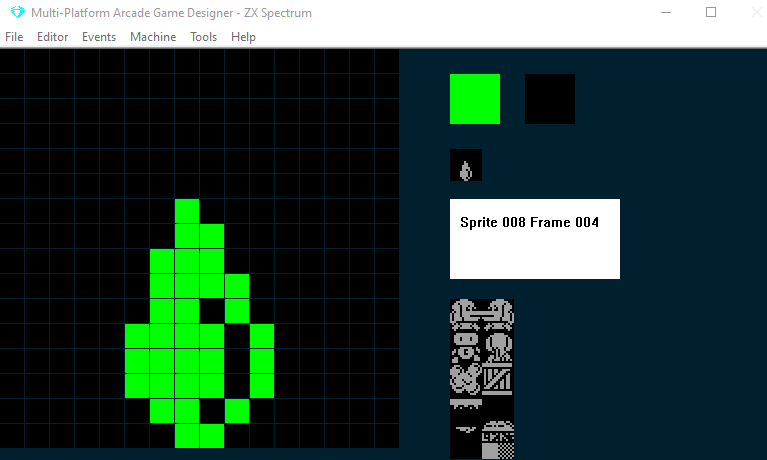
1) La gota crece en el techo
2) La gota cae al suelo
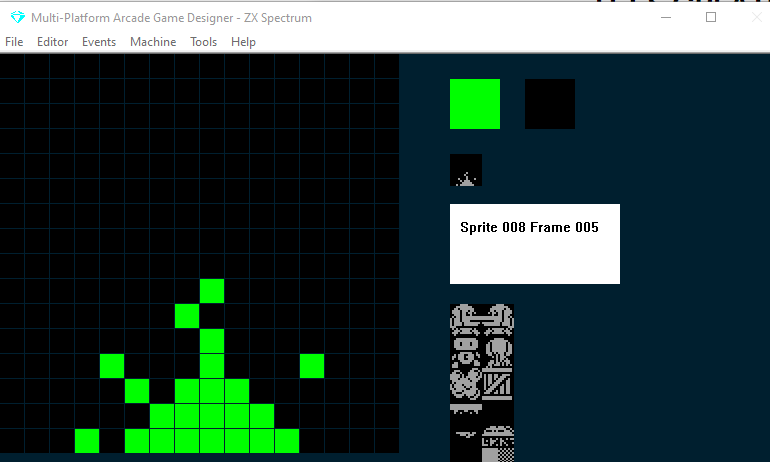
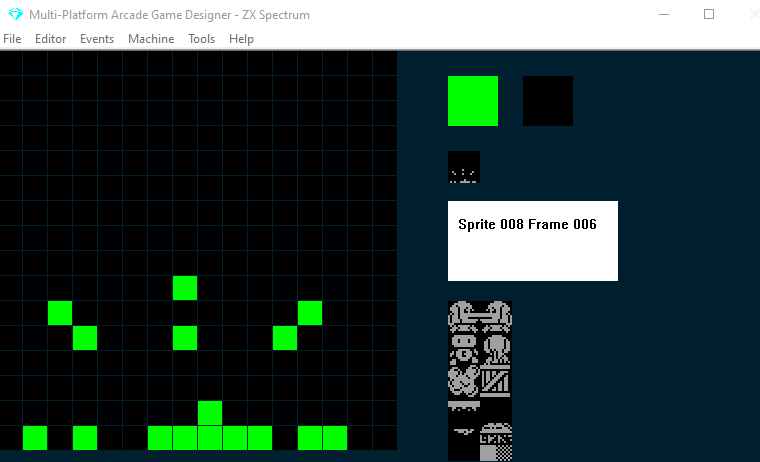
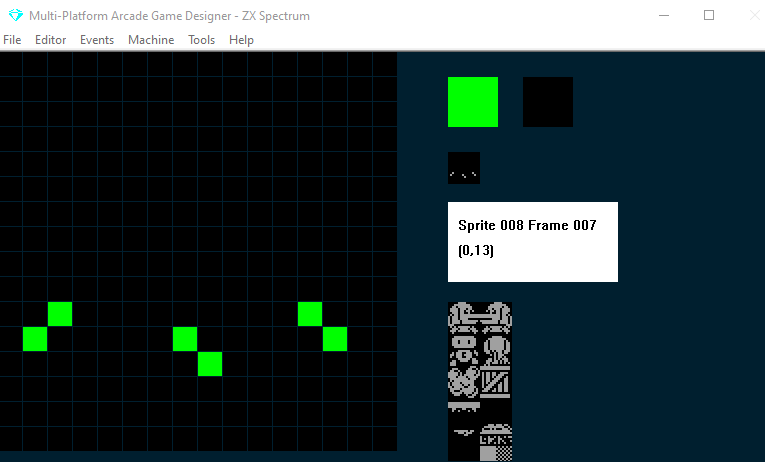
3) La gota salpica en el suelo
Este es mi sprite:
Secuencia 1: la gota crece en el techo:
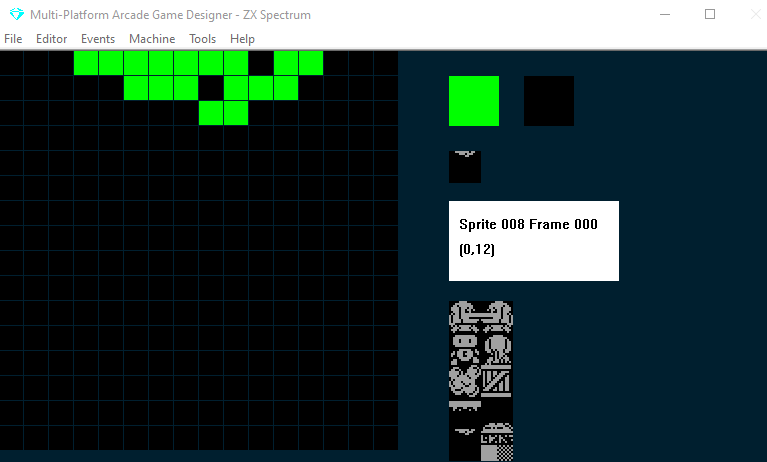
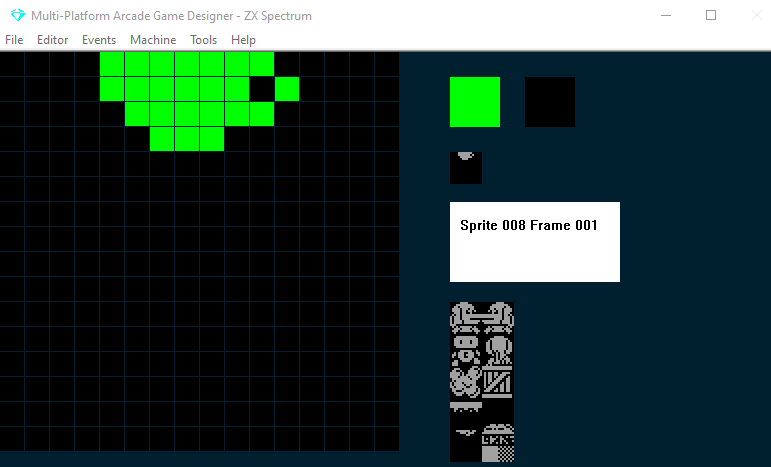
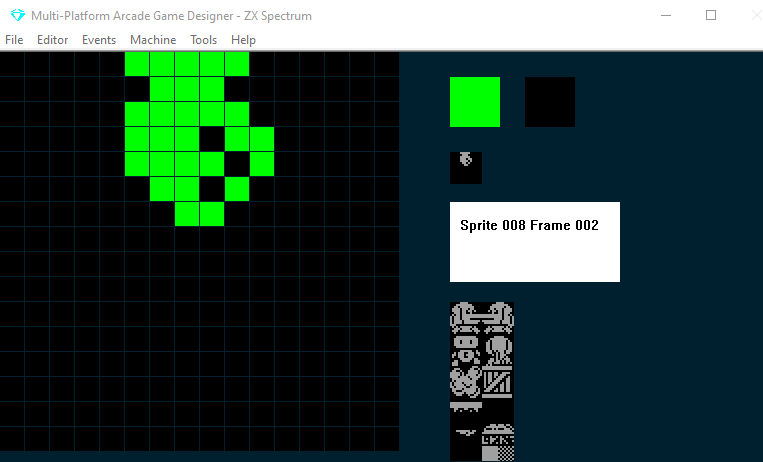
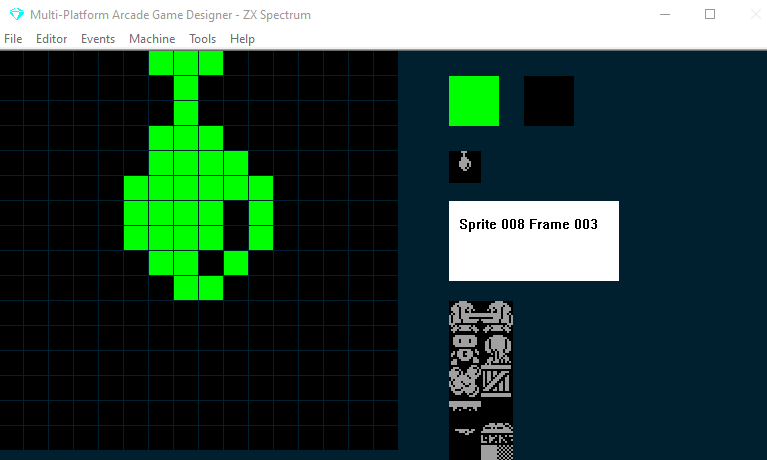
Secuencia 2: la gota cae al suelo
Secuencia 3: la gota salpica en el suelo
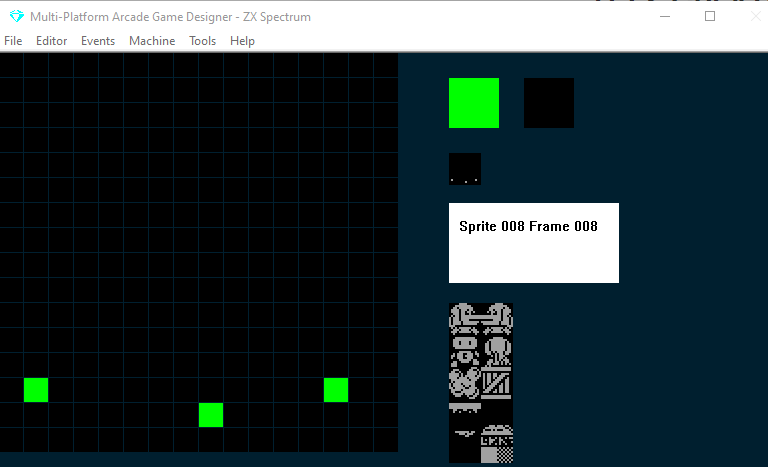
Así que vamos a usar un único sprite de varios fotogramas y escribir código que gestione lo que debe ocurrir en cada secuencia. No usaremos el comando ANIMATE; en su lugar usaremos una variable temporizador y aumentaremos el número de fotograma desde el código en los momentos adecuados.
Después, cuando una gota haya tocado el suelo y la secuencia de salpicadura haya terminado, restableceremos el valor Y de la gota, volveremos el fotograma a cero... y empezaremos de nuevo.
Usaremos la variable de sprite DIRECTION para controlar las secuencias
Usaremos SETTINGA como variable de temporizador
y guardaremos el valor y inicial del sprite en SETTINGB para poder reiniciar después de que la gota de ácido salpique en el suelo y así crezca una nueva gota en el techo
Este es el código que tienes que dejar caer (como una gota de ácido) en el evento de tu sprite:
;acid drop

SPRITEINK 68                ; bright green

IF DIRECTION = 0            ; INITIALISE THE DRIP
   LET SETTINGB = Y         ; store initial y value in SETTINGB
   LET DIRECTION = 1        ; prevent this running again
ENDIF

IF DIRECTION = 1            ; GROW THE DRIP
   ADD 1 TO SETTINGA        ; we use SA as the timer
   IF SETTINGA = 10         ; after 2/5ths of a second
      ADD 1 TO FRAME        ; increment the frame
      LET SETTINGA = 0      ; reset the timer
      IF FRAME = 4          ; have we reached frame 4?
         LET DIRECTION = 2  ; if so goto the drop routine
      ENDIF
   ENDIF
ENDIF


IF DIRECTION = 2            ; DROP ACID!
   IF CANGODOWN             ; if we haven't hit the ground
      FALL                  ; drop down
   ELSE                     ; if we've hit the ground
      LET DIRECTION = 3     ; start the HIT THE GROUND routine
      ADD 1 TO FRAME        ; but increment the frame first
   ENDIF
ENDIF

IF DIRECTION = 3            ; HIT THE GROUND
   ADD 1 TO SETTINGA        ; increment the timer
   IF SETTINGA = 5          ; every 1/5th of a second
      ADD 1 TO FRAME        ; increment the frame
      LET SETTINGA = 0      ; reset the timer
      IF FRAME = 9          ; have we reached the end of the splash animation?
         LET FRAME = 0      ; if so reset to the first frame
	 LET Y = SETTINGB   ; reset the drop
	 LET DIRECTION = 0  ; start the INITALISE DRIP routine
      ENDIF
   ENDIF
ENDIF

IF COLLISION PLAYER         ; if the player touches the acid drop
  KILL
ENDIF
Opción: aumentar la velocidad de la gota
Si has leído mi análisis a fondo del comando JUMP en la guía para principiantes, sabrás que podemos alterar la velocidad de un salto o de una caída en el aire. Esto se consigue con la variable JUMPSPEED del sprite. Para aumentar la velocidad de la caída, basta con aumentar Jumpspeed
Por ejemplo, podrías añadir esto a la rutina DROP ACID!....
IF DIRECTION = 2            ; DROP ACID!
   IF CANGODOWN             ; if we haven't hit the ground
      FALL                  ; drop down
      ADD 5 TO JUMPSPEED    ; increase the speed of the fall
   ELSE                     ; if we've hit the ground
      LET DIRECTION = 3     ; start the HIT THE GROUND routine
      ADD 1 TO FRAME        ; but increment the frame first
   ENDIF
ENDIF
OPCIÓN: crear un patrón para las gotas
Si quieres ser aún más ingenioso, podrías alterar la velocidad con la que crecen las gotas en el techo y la velocidad de la caída usando un par de variables y haciendo READ de ellas desde una sentencia DATA; así las gotas seguirían un patrón en lugar de crecer y caer siempre a la misma velocidad.