
MPAGD tutorials
MPAGD Beginners
A beginner's guide to building a complete retro arcade game in MPAGD from scratch, with little or no programming knowledge assumed.
 PART 1Getting StartedI thought it might be useful to create an entire MPAGD game from scratch and blog about it. I doubt we'll end up with anything particularly...2 min read
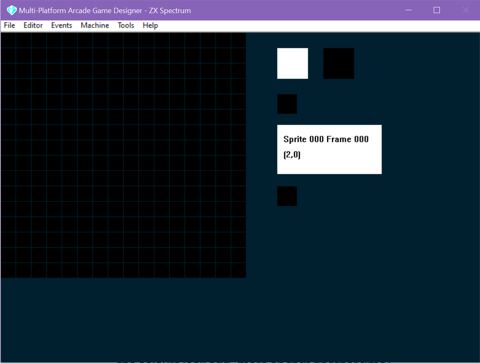 PART 2The Sprite EditorOK, so all sprites in MPAGD are 16 x 16 squares.2 min read
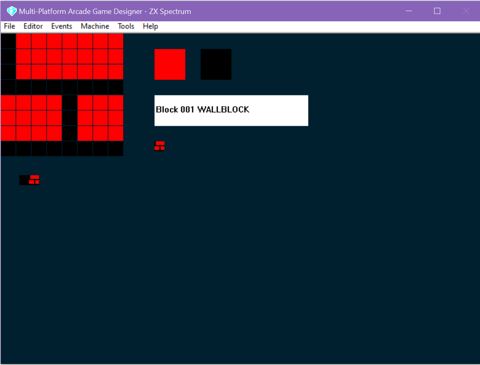 PART 3The Block EditorThe Block editor is where you will create the 8px by 8px blocks that we will use to design the screens of our game.2 min read
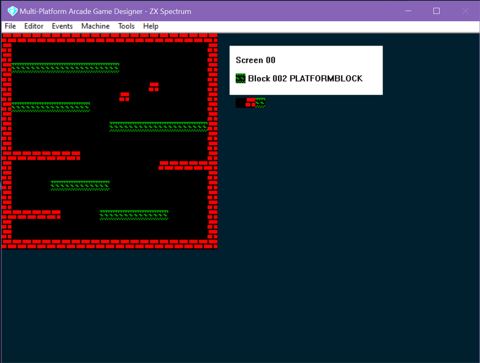 PART 4The Screen EditorThe Screen Editor lets you create and update the screens that will form the levels and map of your game.2 min read
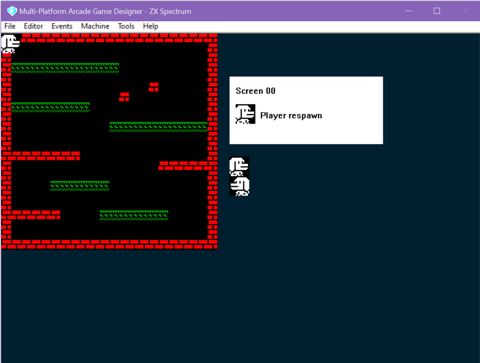 PART 5The Sprite Positions EditorIt's important that for every screen of your game you have a starting position for your player sprite (as well as any enemies or other sprites that...2 min read
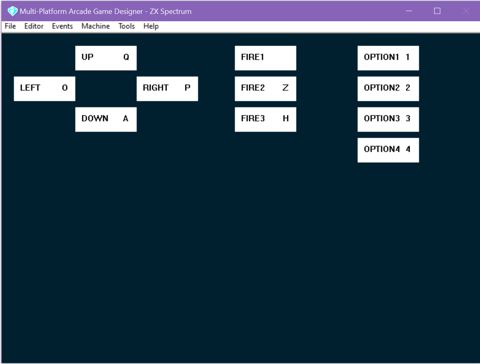 PART 6Keyboard ControlsClick the buttons that you want to use in the game and once highlighted, hit the key that you want to use to control the players direction and fire...1 min read
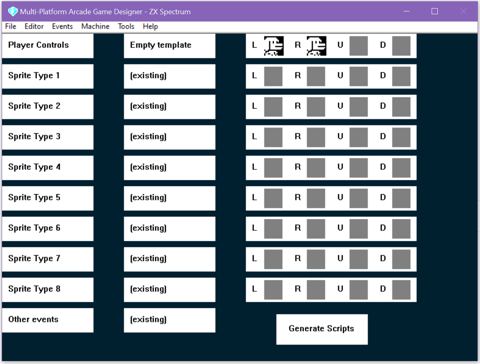 PART 7Generating the Players ScriptThe Script Generator looks a little daunting at first, but it soon makes sense.2 min readPART 8Our first build and play test.OK, we're ready to test our progress, if everything's gone OK...this should happen.1 min read
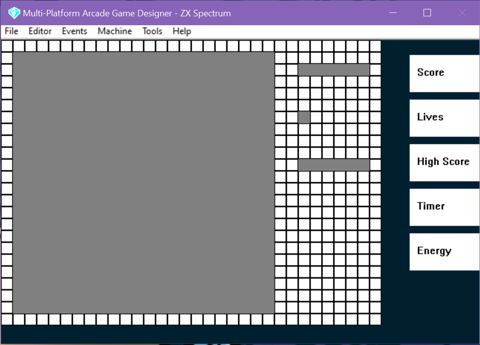 PART 9Setting the play windowWe've just seen how MPAGD defaults to a square play area with game scores an other info down the right hand side.2 min read
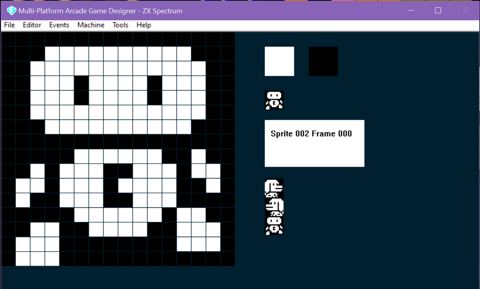 PART 10A first enemy and animationWe are going to need an enemy sprite...so head back to the sprite editor.3 min read
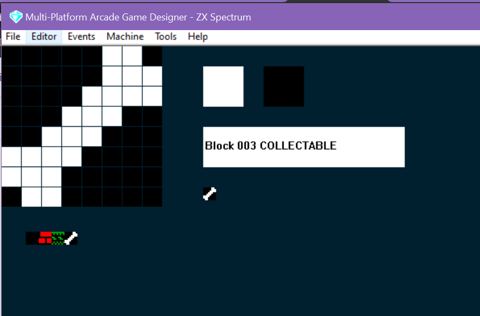 PART 11Collectibles and our first codeI'm going to create a Bone, and Stinky Dog will try to collect them, each time he does, he'll score some points. To create the bone, we'll use the...3 min read
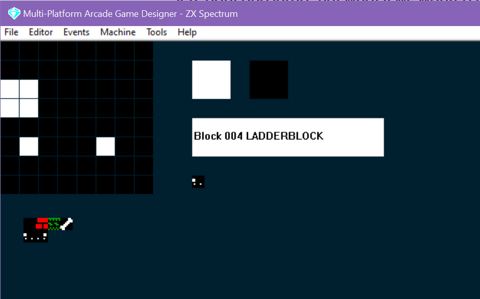 PART 12Adding LaddersSo far, in our game, its pretty much a standard platform affair, with controls for left, right and jump. But what if we wanted to add ladders for...3 min read
 PART 13Editing the MAPThe Map Editor is where we connect our screens together.2 min readPART 14Editing the Player ScriptNow that we've added a ladder to our game, created a sprite for our character when he goes up and down the ladder, and set the keys for Up and Down...4 min readPART 15Game objectives and introducing DATA and READSorry for the delay in continuing this series, I've been busy most of the year writing The Swarm is Coming... back now to Stinky Dog. When we left...5 min read
 PART 16SPAWNing a super power for Stinky DogSo far, Stinky Dog can move left and right, move up and down ladders, and JUMP. That's five keys. But how about we give him a super power? I'm...7 min read
 PART 17Introducing OBJECTsBack in Part 11 we introduced collectible items in our game, in our example - Bones that Stinky Dog needs to collect in order to progress. But there...6 min read
 PART 18DIG these FODDERBLOCKsLet's go back to the BLOCK EDITOR and take a look at one of the other BLOCKTYPES we can use in our MPAGD games. So far we've looked at:3 min read
 PART 19The other blocks: DEADLY, CUSTOM and WATERLet's finish off learning about the different types of blocks we can use to design our games screens by looking at the ones we haven't used yet:5 min read
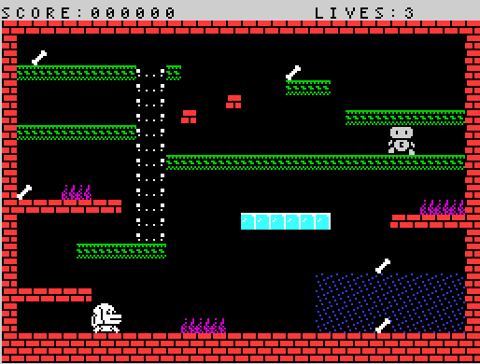 PART 20SCOREs, LIVES and DISPLAYing stuff.Our game is starting to take shape, now is probably a good time to sort out the mess that is currently the score bar at the top of the screen. Before...7 min read
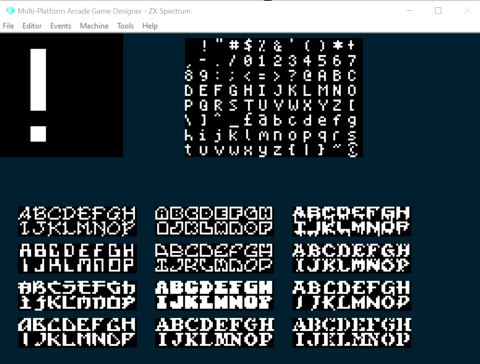 PART 21Changing fonts, COLOUR, PAPER, INK and CLUTIn our last lesson, we looked at working with the player SCORE, BONUS and DISPLAYing it on the screen, also using AT and PRINT to also display...5 min read
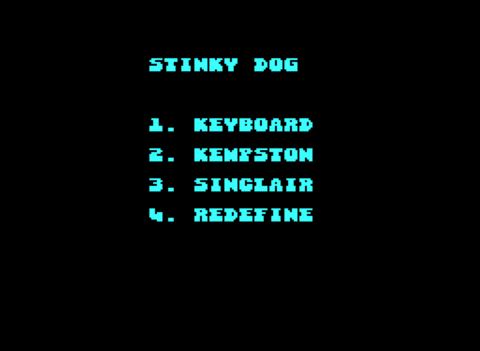 PART 22Working with text, MESSAGEs, CHaRacters and PRINTMODESo far, we've learnt how to get information onto the screen using commands such as PRINT "" and DISPLAY plus some special ones like SHOWSCORE and...5 min readPART 23Adding basic sounds with BEEP and CRASHAs we're working on a classic ZX Spectrum game, it would be remiss of us to not include a few nostalgic speccy beeper sounds. Although we could add...5 min read
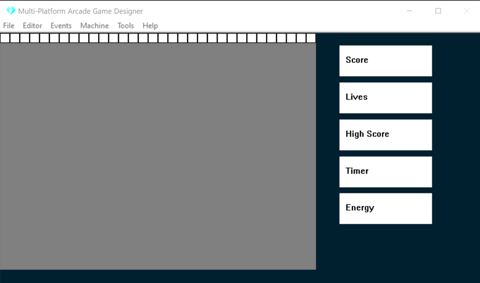 PART 24We're going to need a bigger windowFor me, game development is quite an organic thing, I start off with a basic idea of the type of game I want to create, but as I progress and test my...3 min read
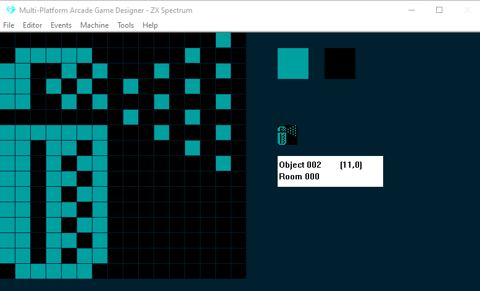 PART 25PLOT an air purity meterOk, this might be a bit of a challenge but fortunately the most excellent Jonathan Cauldwell, the developer of AGD, posted a YouTube video of...4 min read
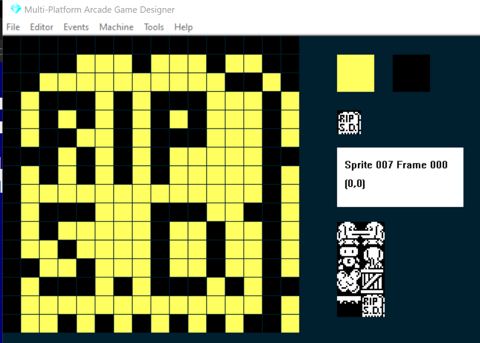 PART 26Improving the KILL PLAYER routine and TYPE switchingI want to add a bit of polish to the game by improving what happens when Stinky Dog is killed.8 min read
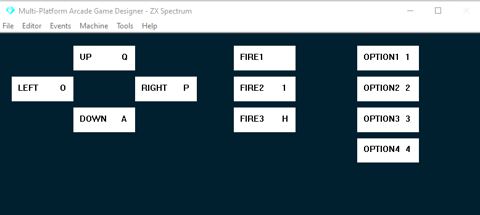 PART 27Making your controls redefinableI thought I'd take a look at something a bit different in this part, and that's how can we make the controls for the game redefinable. As standard...3 min readPART 28Deep Dive into JUMPingIf you're designing a 2D side-on game, like a platformer, chances are your player will need to JUMP. Which is easily added by binding a JUMP command...3 min readPART 29Adding a timer/countdown to your gameSuppose in your game you want to give the player a set amount of time to complete each screen. And then, perhaps, give them a bonus dependent on the...4 min read
Nothing matches that search.